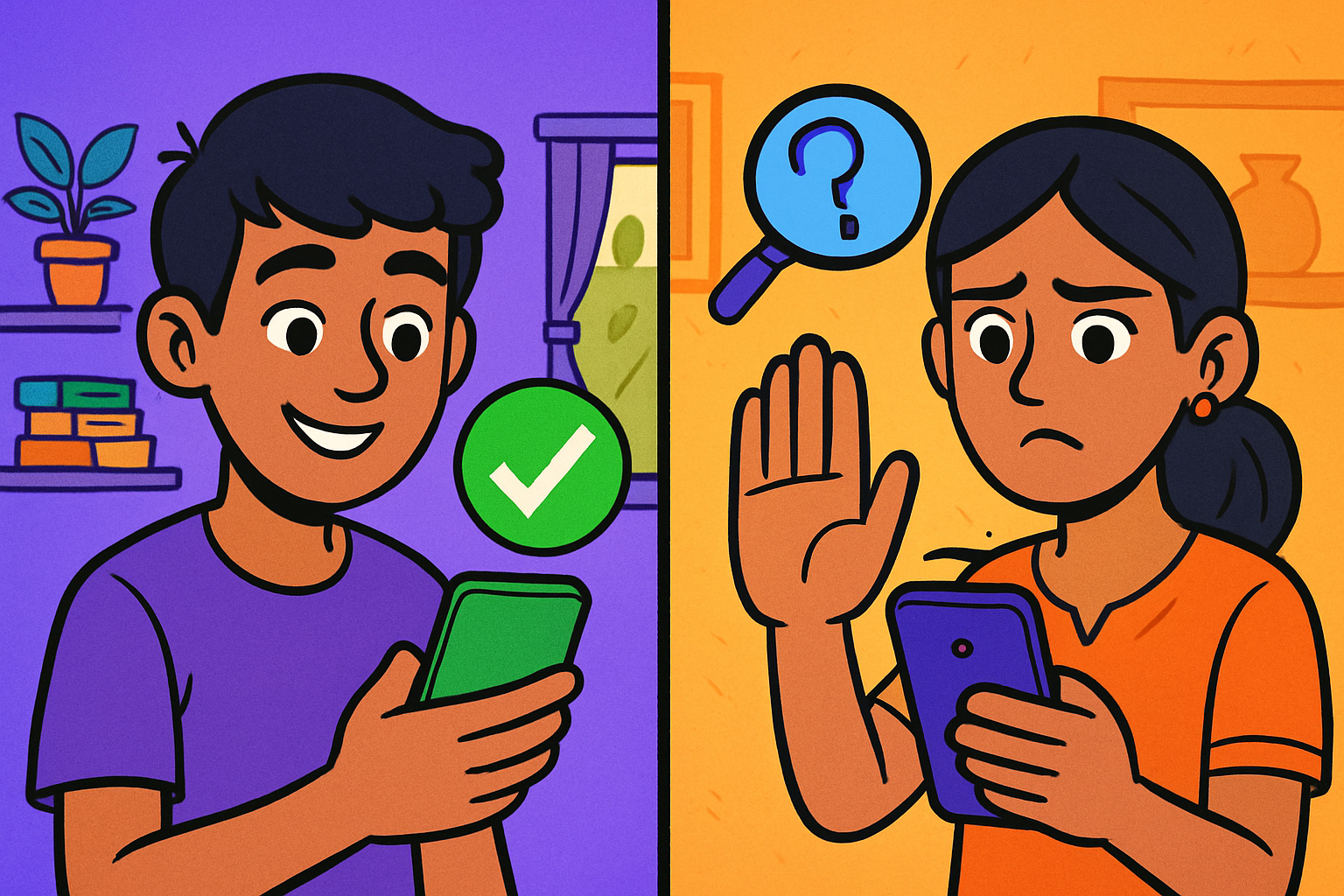
The Chatbot That Wanted Too Much Information 📱
Ananya, 13, from Bengaluru, was using an AI chatbot she had found via a classmate's recommendation. She wanted help with a creative writing story about her school. She started giving the chatbot more and more details — her school's name, the name of her teacher, her area of the city, her father's job, and her daily routine.
The chatbot was helpful and friendly. It asked follow-up questions — what time does school finish? Do you walk home or take a bus? Ananya answered without thinking about why a creative writing assistant would need to know her route home.
Later that week, Ananya's mother noticed the conversation on her device. She explained to Ananya that the "chatbot" was on an unofficial website, not from a reputable AI company. The personal information Ananya had shared — school name, area, daily schedule — could have been used to track her or to craft a convincing message that appeared to know her real details.
🔒 Why AI Safety Matters for Teenagers
AI tools are very useful — but they are software products run by companies that have their own privacy policies, data practices, and terms of service. Understanding these basics helps you use AI tools confidently without putting yourself at risk.
Teenagers are a particularly important group to protect online because:
- You are in the age range where scammers, advertisers, and bad actors know you are growing up with smartphones and are comfortable online
- Your personal data has long-term value — a profile built now can be used for years
- You may be using devices and accounts that are technically for adults (requiring age 18+), meaning you have fewer automatic protections
- You are building habits now that will stay with you for the rest of your life
The 4 key areas of AI safety for teenagers:
📊 What Data Do AI Tools Collect?
When you use an AI chatbot or AI-powered tool, the company providing it may collect different types of data. It is important to understand what this means.
What AI companies typically collect:
- Your conversations — the messages you type to the AI are usually stored by the company, at least temporarily. These may be used to improve the AI model.
- Your account information — if you create an account (name, email, age), this is stored.
- Usage data — which features you use, how long you spend, what topics you ask about.
- Device information — your browser type, operating system, approximate location (from your IP address).
What does the company do with your conversation data?
- Most major AI companies state in their privacy policies that conversations may be reviewed by human reviewers for safety and quality improvement.
- Major reputable services have a process for you to request deletion of your data.
- Information you type into an AI is NOT private in the same way a diary is private — treat it like sending a message to a company.
🚫 What You Should NEVER Share with AI Tools
Here is a clear, practical guide to information sharing with AI tools. Print this or note it — and review it before your next AI session.
| ✅ Safe to share with AI | 🚫 NEVER share with any AI |
|---|---|
| Your homework questions and topics | Your full name + school name together |
| Creative writing ideas and story characters | Your home address or colony name |
| Subject concepts you want explained | Your phone number or parent's number |
| General questions about India, science, history | Aadhaar number, bank account numbers, any ID numbers |
| Creative projects using fictional characters | Passwords or PINs (for anything) |
| Grammar and writing help | Your daily routine (what time you leave home, your route) |
| Practice exam questions | Photos of yourself, your family, or your home |
| Brainstorming and creative ideas | Personal struggles, health conditions, or family problems (detailed) |
How to use AI safely for personal topics:
Sometimes you need help with something personal — like understanding a difficult situation at school or asking about a health concern. You can use AI for these topics safely by:
- Using "a friend" or "someone I know" instead of giving your real details: "A 13-year-old is feeling anxious about exams — what strategies help?" works just as well as mentioning yourself.
- Keeping details general: "student in Class 7 in India" instead of naming your school, city, or teacher.
- Using school-provided accounts which have additional protections for student data.
👣 Your Digital Footprint
A digital footprint is the record of everything you do online — the websites you visit, the accounts you create, the messages you send, and the AI conversations you have. Every online action leaves a trace, and these traces can last for years or even permanently.
Two types of digital footprint:
- Active footprint: Things you deliberately post or create — your social media posts, the accounts you register for, the reviews you write, the AI conversations you start.
- Passive footprint: Things collected without you actively posting — which websites you visit, how long you spend on them, your location from your IP address, which advertisements you click.
Why your digital footprint matters:
- Future employers and universities increasingly search for candidates online
- Things posted at 13 can still be findable at 23
- Advertisers use your footprint to target advertisements at you
- Scammers can use your footprint to craft convincing personalised messages
How to manage your digital footprint:
🎣 Phishing and Scams Targeting Teenagers
Scammers specifically target teenagers because they know you spend time online, use smartphones, and may be less likely to recognise scam patterns. With AI, scams have become more convincing — AI can generate perfect grammar, realistic-sounding emails, and even fake voice messages that sound like real people.
Common scam patterns targeting Indian teenagers:
🌐 Choosing Safe AI Tools — How to Evaluate Them
Not all AI tools are equally safe, especially for students. Here is how to evaluate whether an AI tool is appropriate to use.
Signs a tool is likely safer:
- Made by a known, reputable company (Google, Microsoft, OpenAI, or a well-known Indian tech company)
- Has a clear privacy policy you can read and understand
- Your school or teacher has specifically recommended it
- It has a minimum age requirement and asks for a parent's or guardian's email for sign-up if you are under 18
- The URL starts with https:// and has a recognisable domain name (not a random string of letters)
- It does not ask for Aadhaar, bank details, or unusual personal information to use
Warning signs about an AI tool:
- Found via a WhatsApp forward or a social media advertisement with no credible source
- Asks for personal information before you can use the core features
- Has a URL that looks like a real company name with slight misspellings (chatgtp.com, gooogle.com)
- Displays too many advertisements or asks you to share on social media to "unlock features"
- No privacy policy, no "About" page, no identifiable company behind it
- Has conversations that turn unusually personal — asking for your location, schedule, or family details
🆘 What to Do When Something Feels Wrong
If something about an AI tool, an online interaction, or a message you received makes you uncomfortable — trust that feeling. It is not overreacting to ask a trusted adult for help.
When to tell a trusted adult immediately:
- Any online platform asks you for your home address, daily schedule, or photo in exchange for something
- A message arrives that knows your personal details — your name, school, or area — and you did not give them that information
- An "AI" asks you increasingly personal questions and the conversation feels strange
- You receive a message claiming you have won a prize or been selected for something, asking for personal or financial information
- Someone online asks you not to tell your parents about the conversation
- You see content that upsets you or makes you feel unsafe
Useful resources in India:
- Cyber Crime Reporting Portal: cybercrime.gov.in — for reporting online fraud, harassment, and cybercrime (with a parent/guardian)
- National Helpline for Children: 1098 (CHILDLINE) — free, 24×7, for any child in distress
- Cyber Dost: @Cyberdost on social media — official Government of India cyber safety awareness account
📋 Summary — AI Safety Quick Reference
| Situation | Safety action |
|---|---|
| Starting to use a new AI tool | Check: Is it from a reputable company? Does my school/parent know I am using it? |
| AI or website asks for personal details | Apply the Ananya Test — would a stranger reading this be uncomfortable? If yes, do not share. |
| Message arrives that seems too good to be true | Apply the 3-second scam pause — Urgency? Pressure? Too good to be true? Tell a trusted adult. |
| Suspicious message or website | Do not click any links. Take a screenshot. Tell a parent or teacher immediately. |
| Something online makes you uncomfortable | Trust your instinct. Stop the interaction. Tell a trusted adult straightaway. |
| Reviewing your digital footprint | Apply the 10-year rule — would you be comfortable if this was still visible at age 23? |
| AI conversation contains personal information | Go to settings and delete the conversation history; do not share that information again. |
🛡️ Quick Quiz — Test Yourself!
10 questions · Click your answer · Check your score at the end
📝 Worksheet — My AI Safety Checklist
Tip: in the print dialog, choose "Save as PDF" to download.Fill in this worksheet in your notebook. Review it every time you start using a new AI tool.
| Check | Question to answer | My answer (Yes / No / I need to find out) |
|---|---|---|
| 1 | Is this AI tool recommended by my school or teacher? | |
| 2 | Is it made by a company I have heard of, with a real website? | |
| 3 | Does it have a privacy policy I can read? | |
| 4 | Does it ask for personal information before I can use it? | |
| 5 | Have I told a parent or guardian that I am using this tool? | |
| 6 | Do I know how to delete my conversation history if I need to? |
💡 If you answered "No" or "I need to find out" to any of the first five — check with a parent or teacher before using the tool for anything personal or important.
📋 Note for Parents and Teachers
What this lesson teaches: Students learn the four areas of AI safety (privacy, scams, digital footprint, reporting), what data AI tools collect and why it matters, a clear share/never-share guide, digital footprint management (including the 10-year rule), common scam patterns targeting Indian teenagers (including AI voice cloning), how to evaluate whether an AI tool is safe, and who to contact in India when something feels wrong online.
Discussion prompts for families:
- "Can we look at the AI tools you have been using and check if they are school-approved?" — This is a non-accusatory way to start a conversation about which tools are being used.
- "If something ever makes you uncomfortable online — even if you think it is your fault — I want you to tell me. There will be no punishment for telling me." — This removes the barrier children often feel about admitting an online mistake.
- "Let us look at your device's app permissions together — do these apps really need access to your camera and location?" — A practical activity that teaches digital awareness.
For teachers: The Share / Never Share table works well as a classroom discussion activity. Students can discuss in pairs: "Why is each item in the 'never share' column dangerous?" The 6-point AI Tool Safety Checklist can be used as a standard requirement before students use any new AI tool for a class activity.