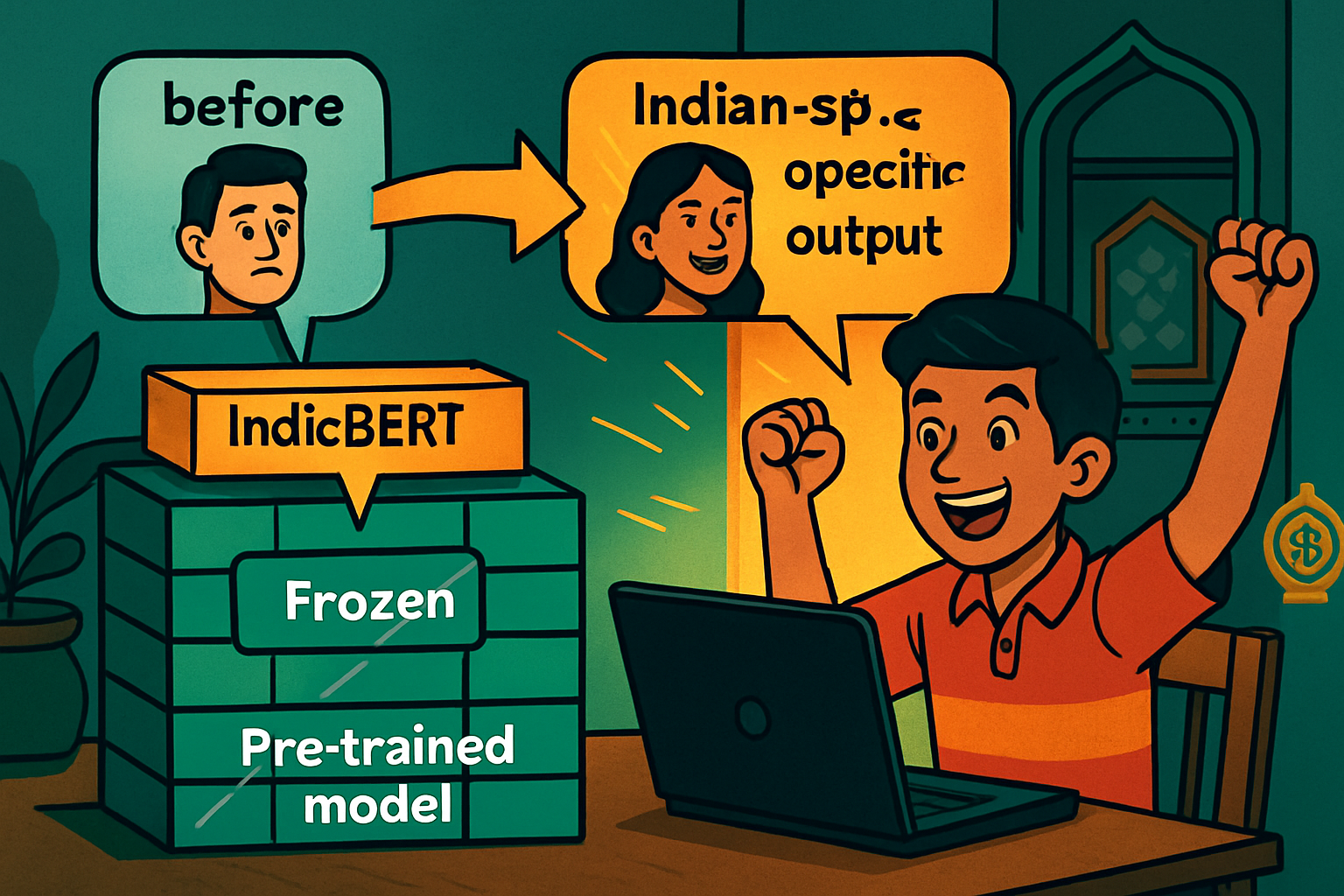
Rahul's family runs a small handicrafts shop on an Indian e-commerce platform. They receive hundreds of product reviews in Hinglish (Hindi-English mix) — but manually reading all of them to understand customer sentiment wastes hours every week. He wanted an AI to classify each review as positive, neutral, or negative automatically.
He tried using a ready-made sentiment model from Hugging Face — but it was trained on English movie reviews and completely missed sarcasm common in Hinglish ("Arey bahut badiya tha, item waste ho gaya" — "Oh very great, the item turned out to be waste"). He needed to fine-tune a model on actual Indian e-commerce language.
For most real-world NLP problems, fine-tuning is the sweet spot. You get the benefit of a model pre-trained on billions of words, adapted to your specific task in hours.
- transformers library: Provides pre-trained models, tokenizers, and training infrastructure. 100,000+ models on the Hub.
- datasets library: Efficient loading and processing of NLP datasets. Many Indian language datasets available.
- Trainer API: High-level training loop — handles batching, evaluation, checkpointing. You provide model + data + config.
- AutoModel / AutoTokenizer: Load any model by name without knowing its exact class.
ai4bharat/indic-bert on Hugging Face Hub — ideal for Indian NLP projects.
# Fine-Tune BERT for Sentiment Analysis — Google Colab
!pip install transformers datasets evaluate -q

import numpy as np
from datasets import Dataset, DatasetDict
from transformers import (AutoTokenizer, AutoModelForSequenceClassification,
                          TrainingArguments, Trainer)
import evaluate

# ── Step 1: Prepare a small labelled dataset ──
# Real data: label Indian e-commerce reviews 0=negative 1=neutral 2=positive
# Here we use a minimal demo set — in your project, collect 300–1000 reviews
train_data = {
    "text": [
        "Product quality is excellent, very happy with purchase!",
        "Delivery was very fast and packaging was great",
        "Average product, nothing special but works fine",
        "Totally waste of money, stopped working in 2 days",
        "Bahut achha hai, bilkul sahi quality",           # Hindi
        "Kaam nahi karta, paise doob gaye",               # Hindi
        "Okay okay product, theek hai for this price",    # Hinglish
        "Amazing value, will definitely buy again",
        "Product is decent, delivery was late though",
        "Complete fraud, never buying from this seller",
        "Superb build quality, highly recommend",
        "Not as described in photos, disappointing"
    ],
    "label": [2, 2, 1, 0, 2, 0, 1, 2, 1, 0, 2, 0]
}
test_data = {
    "text": [
        "Mast product hai yaar, full paisa vasool",        # Hinglish
        "Bakwaas quality, return kar diya",                # Hinglish
        "It's okay, average experience overall"
    ],
    "label": [2, 0, 1]
}

train_dataset = Dataset.from_dict(train_data)
test_dataset  = Dataset.from_dict(test_data)
dataset = DatasetDict({"train": train_dataset, "test": test_dataset})
print(dataset)

# ── Step 2: Load tokenizer ──
# Use IndicBERT for Indian language text, or bert-base-multilingual-cased
MODEL_NAME = "ai4bharat/indic-bert"
# MODEL_NAME = "bert-base-multilingual-cased"  # fallback if above is slow

tokenizer = AutoTokenizer.from_pretrained(MODEL_NAME)

def tokenize(examples):
    return tokenizer(examples["text"], padding="max_length",
                     truncation=True, max_length=128)

tokenized = dataset.map(tokenize, batched=True)
print("Sample tokens:", tokenized["train"][0].keys())

# ── Step 3: Load model with classification head ──
NUM_LABELS = 3  # negative / neutral / positive
model = AutoModelForSequenceClassification.from_pretrained(
    MODEL_NAME, num_labels=NUM_LABELS
)

# ── Step 4: Set up evaluation metric ──
accuracy_metric = evaluate.load("accuracy")

def compute_metrics(eval_pred):
    logits, labels = eval_pred
    predictions = np.argmax(logits, axis=-1)
    return accuracy_metric.compute(predictions=predictions, references=labels)

# ── Step 5: Configure training ──
training_args = TrainingArguments(
    output_dir="./sentiment_model",
    num_train_epochs=5,
    per_device_train_batch_size=4,
    per_device_eval_batch_size=4,
    warmup_steps=10,
    weight_decay=0.01,
    logging_dir="./logs",
    evaluation_strategy="epoch",
    save_strategy="epoch",
    load_best_model_at_end=True,
    report_to="none"              # disable wandb for Colab
)

trainer = Trainer(
    model=model,
    args=training_args,
    train_dataset=tokenized["train"],
    eval_dataset=tokenized["test"],
    tokenizer=tokenizer,
    compute_metrics=compute_metrics
)

# ── Step 6: Train ──
trainer.train()

# ── Step 7: Evaluate ──
results = trainer.evaluate()
print(f"\nTest accuracy: {results['eval_accuracy']:.2%}")

# ── Step 8: Predict on new text ──
from transformers import pipeline

classifier = pipeline("text-classification", model=model,
                       tokenizer=tokenizer)
id2label = {0: "NEGATIVE", 1: "NEUTRAL", 2: "POSITIVE"}
model.config.id2label = id2label
model.config.label2id = {v: k for k, v in id2label.items()}

samples = [
    "Item bahut zyada pricey hai for such average quality",
    "Absolutely love this product, recommend to everyone!",
    "Not good, not bad, just okay"
]
for s in samples:
    pred = classifier(s)[0]
print(f"{pred['label']:10s} ({pred['score']:.2%}) → {s[:50]}")- AI4Bharat datasets: IndicSentiment, IndicXNLI, Samanantar (translation) —
ai4bharatorg on Hugging Face Hub. - IIT Bombay datasets: Hindi-English parallel corpus for translation.
- SentiRaama: Hindi sentiment dataset for e-commerce.
- Kaggle: Search for "hindi sentiment", "hinglish", "indian product reviews".
- Build your own: Use Label Studio (free, open-source) or Doccano to label a few hundred examples of your own domain data.