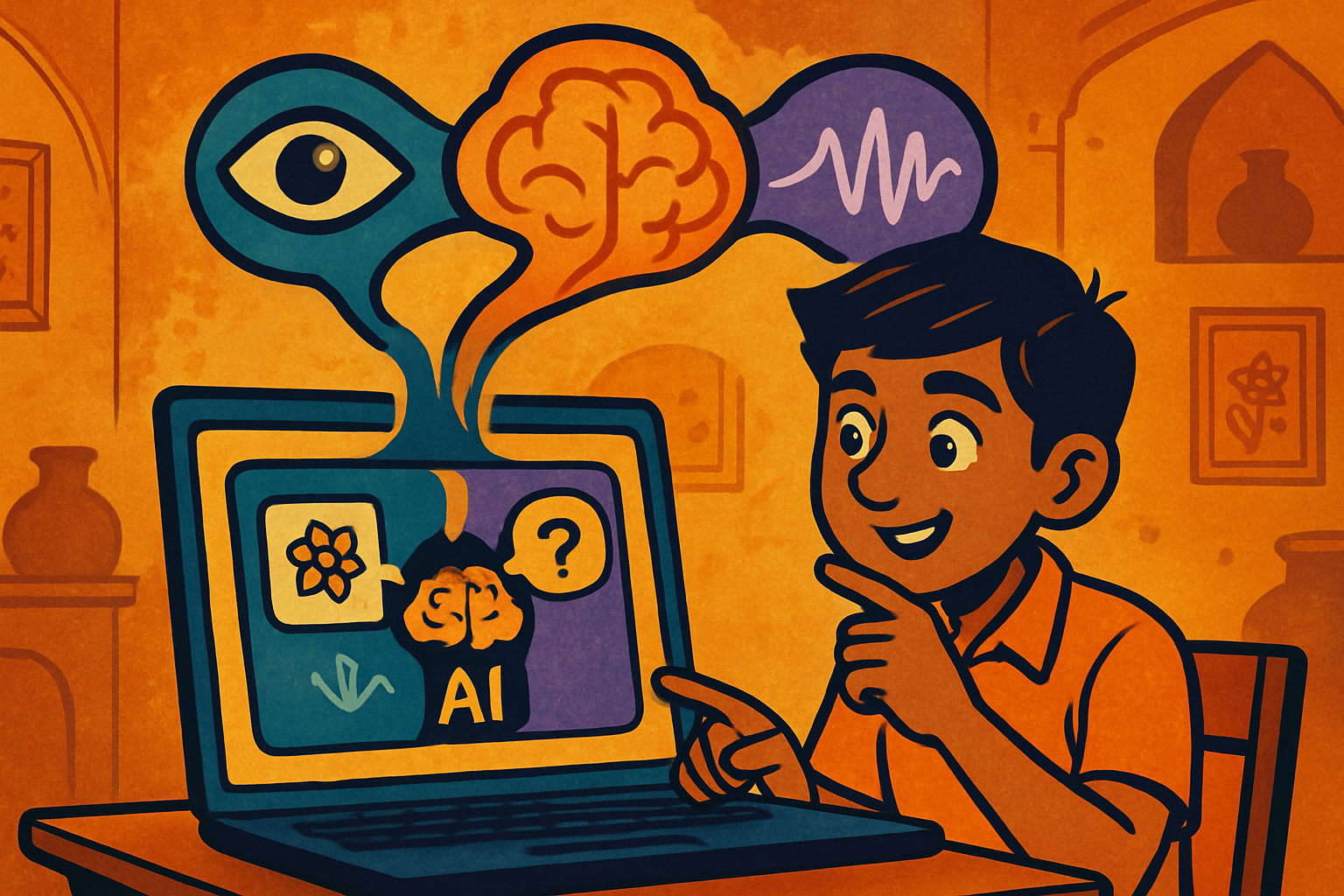
Aryan, 16, from Delhi had a grandmother who was losing her sight to cataracts. She could no longer read labels at the market, identify medicine packaging, or read WhatsApp messages her family sent. Aryan decided to build something for her.
The app he imagined: point your phone at anything, speak a question in Hindi, and hear a description spoken back. "What medicine is this?" → the app reads the label and answers in Hindi. "What does this sign say?" → it translates and speaks the answer.
Three models working together: CLIP to understand what's in the image, Whisper to transcribe the spoken Hindi question, and a vision-language model to answer. Aryan's grandmother now uses it every day at the market.
Traditional AI models process one modality: a CNN sees images, an LLM reads text, a speech model processes audio. Multi-modal AI combines modalities — it can reason across images, text, and sound simultaneously.
Vision
Images, video frames. CLIP, ViT, ResNet encoders.
Language
Text, captions, questions. BERT, GPT, T5 encoders.
Speech
Audio waveforms. Whisper, wav2vec, mfcc features.
The key challenge: how do you put an image and a sentence into the same "space" so you can compare them? OpenAI's CLIP solved this with contrastive learning — training a vision encoder and a text encoder to produce embeddings where matching image-text pairs are close together and non-matching pairs are far apart.
# pip install transformers torch pillow

from transformers import CLIPProcessor, CLIPModel
from PIL import Image
import torch, requests
from io import BytesIO

model = CLIPModel.from_pretrained("openai/clip-vit-base-patch32")
processor = CLIPProcessor.from_pretrained("openai/clip-vit-base-patch32")

# ── Zero-shot image classification ───────────────────────────────
def classify_image(image_path: str, candidate_labels: list[str]) -> dict:
    image = Image.open(image_path).convert("RGB")

    inputs = processor(
        text=candidate_labels,
        images=image,
        return_tensors="pt",
        padding=True
    )

    with torch.no_grad():
        outputs = model(**inputs)

    # logits_per_image: similarity of image to each text label
    probs = outputs.logits_per_image.softmax(dim=1).squeeze()

    return {label: float(prob) for label, prob in zip(candidate_labels, probs)}

# Example: identify medicine packaging
labels = [
    "a Paracetamol tablet box",
    "a Metformin medicine bottle",
    "an Aspirin blister pack",
    "a vitamin supplement bottle"
]
result = classify_image("medicine.jpg", labels)
for label, prob in sorted(result.items(), key=lambda x: -x[1]):
    print(f"{prob:.1%}  {label}")

# ── Image-text similarity (for accessibility app) ─────────────────
def describe_scene(image_path: str, questions: list[str]) -> str:
    """Find which description best matches the image."""
    scores = classify_image(image_path, questions)
    return max(scores, key=scores.get)

scene = describe_scene("street.jpg", [
    "a busy road with cars and traffic",
    "a quiet park with trees and benches",
    "a market with vegetable stalls",
    "a hospital entrance with people"
])
print(f"Scene: {scene}")# pip install openai-whisper
import whisper
# Load model (base = fast, large = most accurate)
# Models: tiny, base, small, medium, large, large-v2, large-v3
asr_model = whisper.load_model("base")
# ── Transcribe Hindi audio ────────────────────────────────────────
def transcribe_hindi(audio_path: str) -> dict:
result = asr_model.transcribe(
audio_path,
language="hi", # force Hindi
task="transcribe", # transcribe in original language
fp16=False # use fp32 on CPU
)
return {
"text": result["text"],
"language": result["language"],
"segments": result["segments"] # timestamped segments
}
# ── Translate Hindi audio to English ─────────────────────────────
def translate_hindi_to_english(audio_path: str) -> str:
result = asr_model.transcribe(
audio_path,
language="hi",
task="translate" # translate to English
)
return result["text"]
# Supported Indian languages: Hindi, Bengali, Tamil, Telugu,
# Marathi, Kannada, Malayalam, Gujarati, Punjabi, Urdu (98 total)# Full pipeline: image + spoken Hindi question → Hindi answer
# pip install transformers openai-whisper pillow openai
import whisper
import openai
from PIL import Image
import base64, io
asr_model = whisper.load_model("base")
client = openai.OpenAI() # uses OPENAI_API_KEY env var
def image_to_base64(image_path: str) -> str:
with open(image_path, "rb") as f:
return base64.b64encode(f.read()).decode("utf-8")
def visual_qa_hindi(image_path: str, audio_question_path: str) -> str:
"""
1. Transcribe spoken Hindi question with Whisper
2. Send image + question to GPT-4 Vision
3. Get answer in Hindi
"""
# Step 1: Speech → Text
question_result = asr_model.transcribe(
audio_question_path, language="hi", task="transcribe", fp16=False
)
hindi_question = question_result["text"]
print(f"Question: {hindi_question}")
# Step 2: Vision-Language model answers
image_b64 = image_to_base64(image_path)
response = client.chat.completions.create(
model="gpt-4o", # supports vision natively
messages=[
{
"role": "system",
"content": (
"You are a helpful assistant for visually impaired users. "
"Describe images clearly and answer questions in Hindi. "
"Be concise and practical. Mention important text visible in the image."
)
},
{
"role": "user",
"content": [
{
"type": "image_url",
"image_url": {
"url": f"data:image/jpeg;base64,{image_b64}",
"detail": "high" # full resolution analysis
}
},
{
"type": "text",
"text": hindi_question
}
]
}
],
max_tokens=300
)
hindi_answer = response.choices[0].message.content
print(f"Answer: {hindi_answer}")
return hindi_answer
# Usage:
answer = visual_qa_hindi(
image_path="medicine_box.jpg",
audio_question_path="question_hindi.wav"
)
# "यह Paracetamol 500mg की गोलियाँ हैं। इसे बुखार और दर्द के लिए लिया जाता है।"