Anu's Big Question 🤔
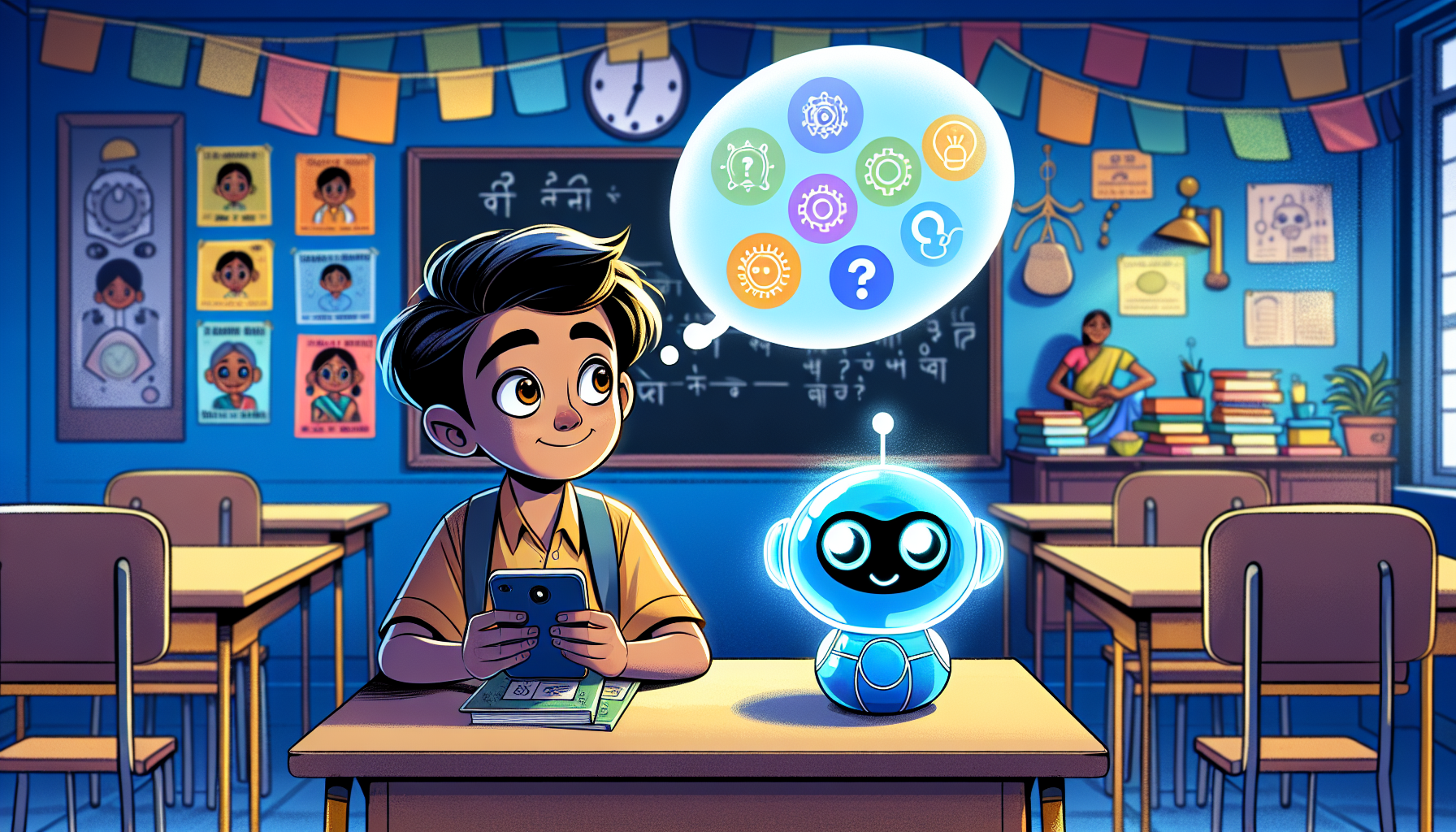
Anu is 11 years old and lives in Vijayawada. One evening she was watching her favourite cartoon on her phone. A new cartoon appeared on the screen — one she had never searched for, but she liked it instantly.
"How did my phone know I would like this?" she asked her older brother Ravi.
Ravi smiled. "That's AI, Anu. Artificial Intelligence."
"But what is AI? Is it magic? Is it a robot? Is it alive?"
Ravi sat down with her. "None of those things," he said. "Let me show you what it really is."
📅 Class 6 — Full Year Learning Map
12 lessons · One lesson every 2–3 weeks · Each lesson ≈ 45–60 minutes · All free
🤖 What is AI? — In Very Simple Words
AI stands for Artificial Intelligence. Let's break those two words down:
Artificial
- Made by humans
- Not natural or alive
- Built using computers
Intelligence
- Ability to understand things
- Ability to remember patterns
- Ability to give useful answers
Put them together: AI is a computer program that can understand information and give useful answers — like a very smart helper that never gets tired.

🌍 AI Around You Every Single Day
You might think AI is only in science fiction movies. But it is already in things you use every day — and you may not even notice it!
💡 AI is a Helper — Not Magic, Not Perfect
Many people think AI knows everything. That is not true. AI makes mistakes — sometimes big ones. Here is what you need to understand:
What AI is good at
- Finding patterns in large amounts of information
- Giving quick answers and explanations
- Translating language and fixing spelling
- Summarising long text into short points
- Creating ideas to start with
Where AI can go wrong
- It can make up facts that are completely false
- It does not always know what year it is
- It can misunderstand your question
- It does not know your personal life
- It cannot replace your teacher or doctor

🛡️ How to Use AI Safely at Your Age
Now that you know what AI is, let's talk about how to use it safely. These rules will protect you and keep you out of trouble.
📖 How Can AI Help You Study — Right Now?
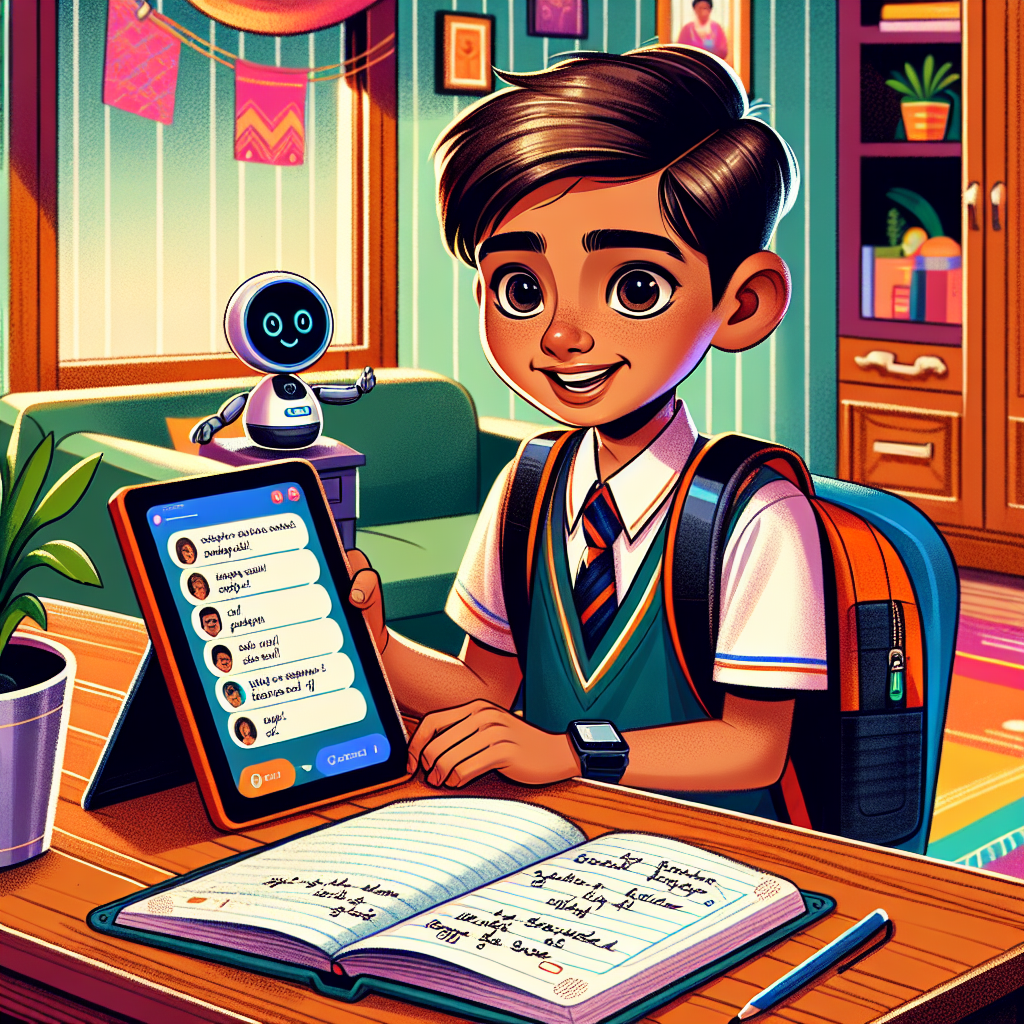
Even as a Class 6 student with no coding knowledge, you can use AI tools like Mitra Study Helper to make studying easier. Here are some honest ways to use AI:
Good ways to use AI for study
- Ask it to explain a chapter in simpler words
- Ask for 5 practice questions on a topic
- Ask it to give examples from daily life
- Ask it to help you make a revision plan
- Ask it to quiz you before an exam
What you should never do
- Copy AI answers directly into your notebook
- Submit AI-written essays as your own work
- Trust AI exam answers without checking
- Use AI to cheat in class tests
🧠 How Does AI Actually Learn? — Patterns and Data
Here is a question: How did you learn to recognise a mango? Someone showed you one, said "mango", and over time you saw many mangoes in many shapes and sizes. Your brain noticed the patterns — the yellow-orange colour, the shape, the smell — and built a rule: mango = these features.
AI learns exactly the same way. But instead of years, it learns in hours. And instead of dozens of examples, it needs millions.
Step 1 — Collect Data
Engineers gather millions of photos, sentences, or sounds. This is called training data.
Step 2 — Label the Data
Humans label each example: "this photo is a dog", "this email is spam", "this review is positive".
Step 3 — Find Patterns
The AI program studies all the labelled examples again and again until it finds hidden patterns that tell them apart.
Step 4 — Test and Improve
New, unseen examples are shown to the AI to check accuracy. Engineers fix mistakes and repeat until it works well.
Think about this: If you wanted to teach an AI to tell the difference between idli and dosa, what would you need to give it? (Answer: thousands of labelled photos of both dishes, from different angles, in different lighting, taken in different kitchens.)
🛠️ Types of AI Tools You Already Use
Not all AI does the same thing. Just like there are different types of books (textbooks, storybooks, dictionaries), there are different types of AI. Here are the main types and examples you can try today:
| Type of AI | What it does | Indian / daily examples |
|---|---|---|
| Text AI (Chatbot) | You type a question, it types an answer. Can explain, summarise, write, and translate. | ChatGPT, Google Gemini, Microsoft Copilot |
| Image AI | Recognises objects in photos or creates new images from a description. | Google Lens (point at plant to identify), phone camera beauty mode |
| Voice AI | Understands what you say and speaks back. Can set reminders, answer questions, play music. | Google Assistant (works in Telugu/Hindi), Siri, Alexa |
| Recommendation AI | Watches what you like and suggests more of the same. | YouTube ("Up next"), Flipkart ("You might also like"), Hotstar |
| Translation AI | Converts text or speech from one language to another instantly. | Google Translate — try Hindi ↔ Telugu in seconds |
| Prediction AI | Uses past data to predict what will happen next. | Google Maps traffic prediction, IRCTC waitlist probability, weather apps |
🇮🇳 AI in India — Helping Real People Right Now
AI is not just in phones and apps. In India, AI is being used to solve serious problems that affect millions of people. Here are real examples — not made up stories.
Plantix — The Farming Doctor
A farmer in Andhra Pradesh takes a photo of a sick plant with their phone. The Plantix app uses AI to identify the disease within seconds and suggests the right treatment. Over 5 million farmers in India use it.
Eye Disease Detection
Aravind Eye Hospitals (Tamil Nadu) uses AI to scan retina photos and detect diabetic eye disease in rural patients — often catching problems before the patient even feels symptoms. It has screened millions of patients.
IRCTC Waitlist Prediction
When you book a train ticket on a waitlist, the IRCTC website shows a probability — "WL 8 — Likely to confirm". That prediction is made by AI studying millions of past booking patterns.
DIKSHA — Free AI Learning
India's government-built DIKSHA platform serves over 200 million students. It uses AI to personalise content — showing each student materials at their exact level in their local language.
Bhashini — AI for Indian Languages
Bhashini is India's own AI translation project, built to work in 22 Indian languages including Telugu, Tamil, Kannada, and Odia — so that AI is useful for every Indian, not just English speakers.
Better Weather for Farmers
The India Meteorological Department now uses AI to predict district-level rainfall. A farmer in Telangana can get an AI-generated forecast for their specific village — not just for the whole state.
🎯 Quick Quiz — 10 Questions to Check What You Learned
📝 Activity — 5 AI Tools Around Me
Tip: in the print dialog, choose "Save as PDF" to download.Use this table to find 5 things in your life that might use AI. You can write this in your notebook or print this page.
| # | Tool or App Name | Where I use it | How I think AI helps here |
|---|---|---|---|
| 1 | |||
| 2 | |||
| 3 | |||
| 4 | |||
| 5 |
Bonus challenge: Draw a "My AI Safety Promise" poster on a blank sheet of paper. Write 3 promises you will keep about using AI safely. Stick it near your study table!
Use this table in your notebook today, or print this page directly if helpful.
What this lesson covers: This is Lesson 1 of 12 in the Class 6 full-year AI curriculum. It introduces AI awareness in the simplest possible terms across 8 sections: what AI is, where it appears in everyday Indian life, how AI learns from data, the types of AI tools students use daily, real AI applications across India (agriculture, healthcare, transport, education), and how to use AI safely and honestly. No coding, no technical jargon.
Learning time: Around 60–90 minutes in one sitting, or split across two or three short sessions. Sections 6–8 (How AI Learns, Types of AI, AI in India) are the most content-rich and work well as standalone homework reading.
Safety by design:
- No personal data is collected from students on this page.
- No comments, chat, or social features are enabled on this page.
- AI safety rules are taught throughout — not just mentioned once.
- Students are actively told not to copy AI answers.
How to use this at home: Sit with your child for the first 10 minutes. Read the Anu story together. Ask them: "Can you name one AI thing we use at home?" That one question will start a great conversation.
How to use this in class: This lesson works as a 45-minute classroom activity. The quiz can be done on paper. The worksheet table can be given as homework.